


At St Joseph’s…
For over 40 years, our Mission has been to support individuals with learning disabilities, their families and friends.
We aim to fulfil our mission by…
Helping
to educate society and to transform attitudes, enabling people with intellectual disabilities to achieve their potential.
Working
in partnership with other organisations in the field and with people of all faiths or none, enhancing activities and services.
Integrating
children and adults of faith with intellectual disabilities into full participation in the life of the Church.
Offering
training and formation to people throughout the diocese, so that they may support people with intellectual disabilities.
Our Values are…
Respect
for the gifts and dignity of each individual
Love
expressed in warm care and long-term commitment
Community
a welcome which creates friendship and belonging
Spirituality
nurtured by that creativity and joy in activity which lifts the spirit
Meet our Staff…
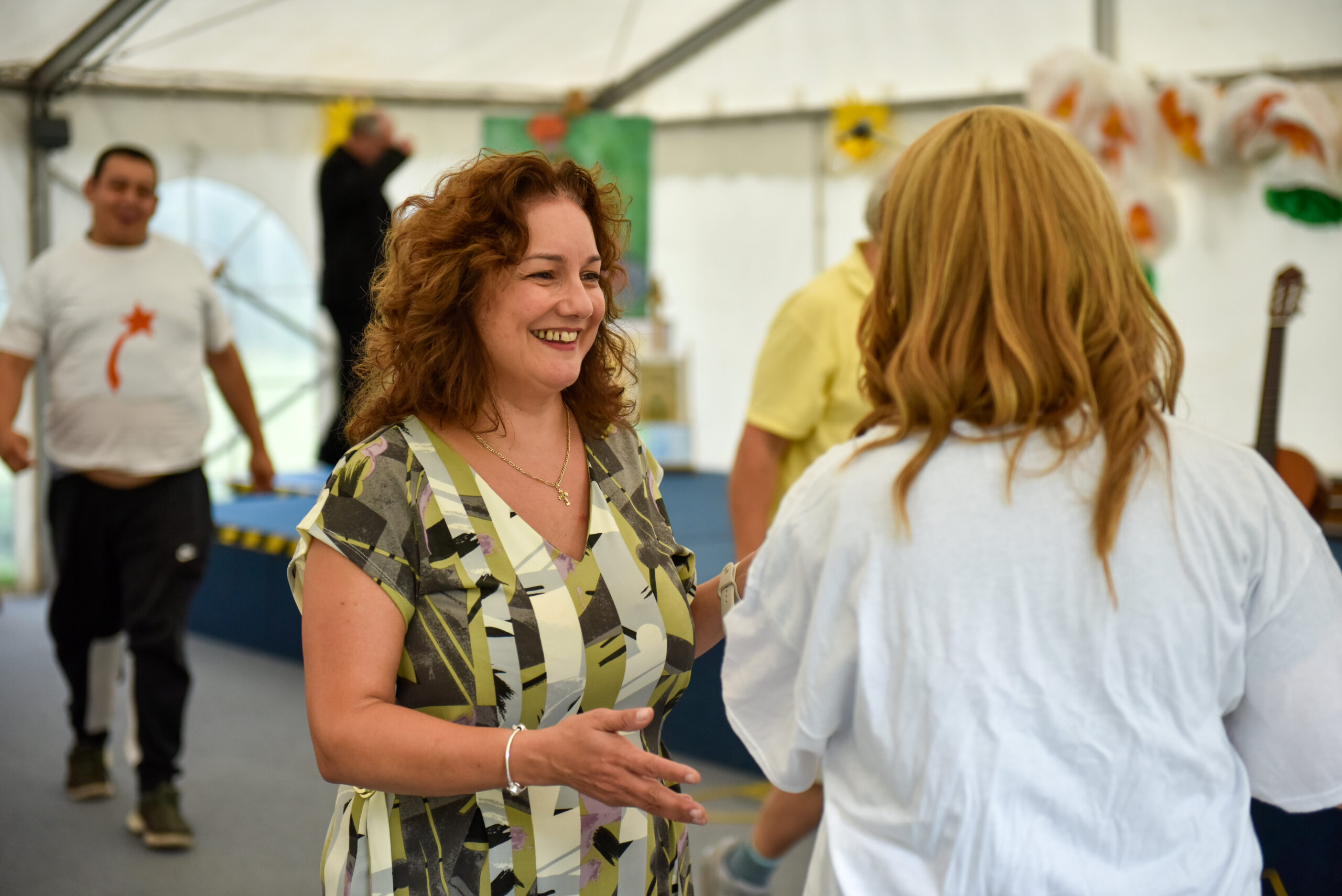
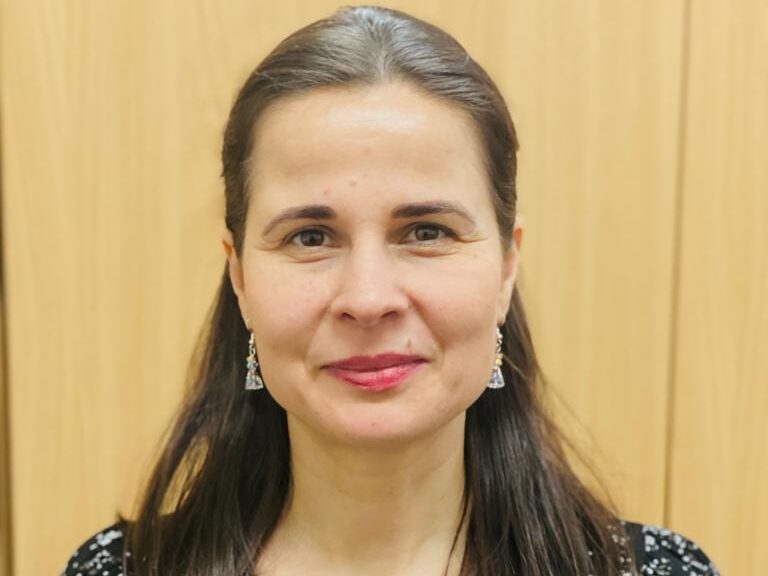

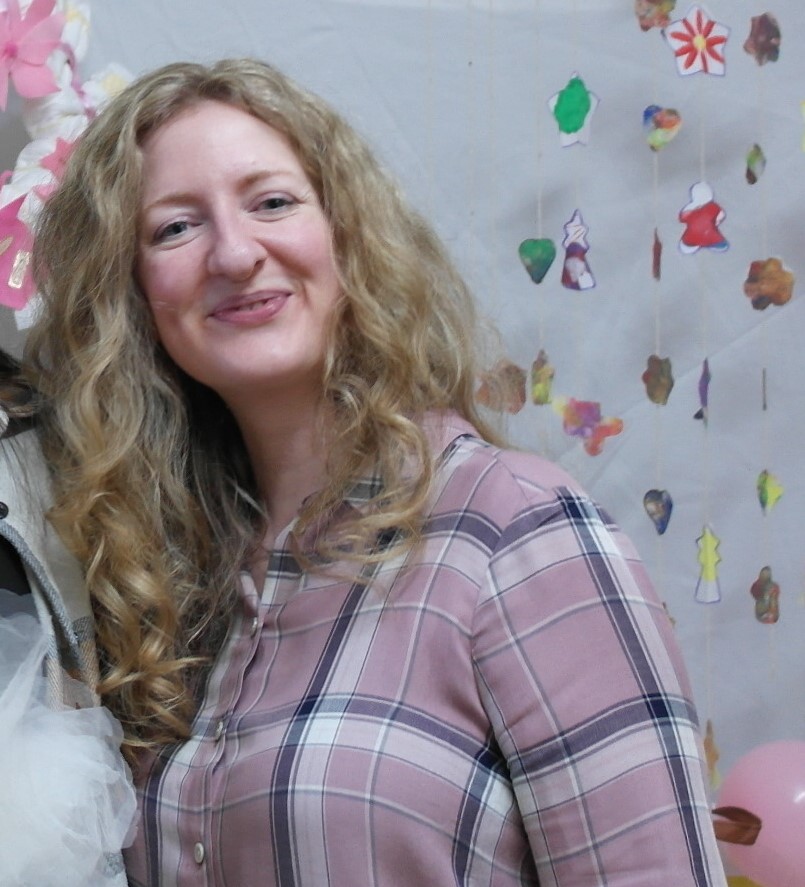

Activities and Outreach
With around 200 students, at our Learning Centre in Hendon we celebrate the gifts and talents of people with intellectual disabilities and value their place in the world.
With our Outreach Work, we aim to integrate people with intellectual disabilities into the life of the church.
Enterprise and Shop
Visit our Shop to purchase items such as plants or ceramics which our students have grown and sold are available to purchase online.
Donate
Your donation will help us to continue our life-enhancing work of promoting and supporting full inclusion for people with learning disabilities.
St Joseph’s News
-
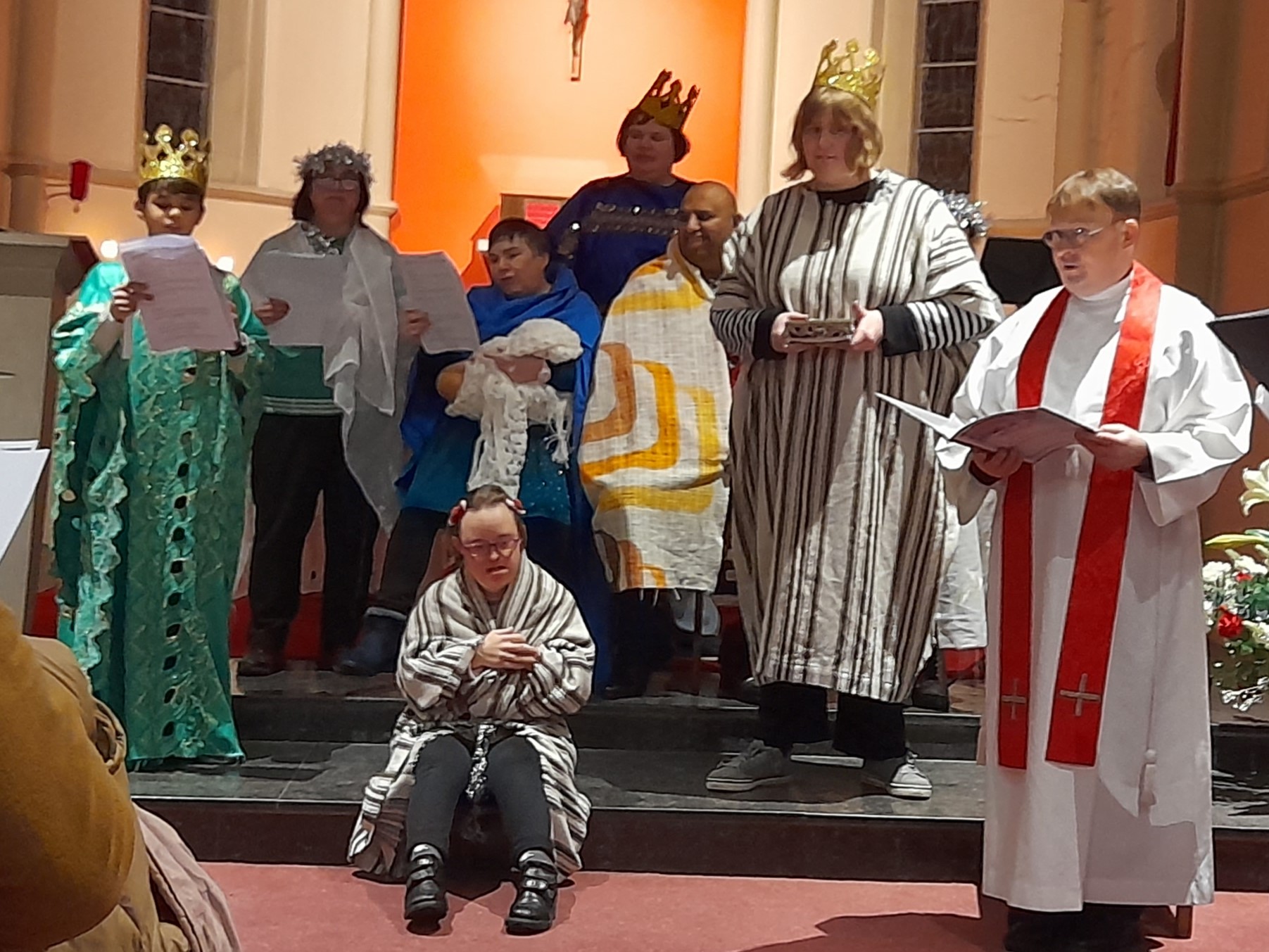
A celebration of carols and a confirmation at Caritas St Joseph’s
On Saturday 9 December, students, family members, carers, and supporters, gathered at the chapel at…
-
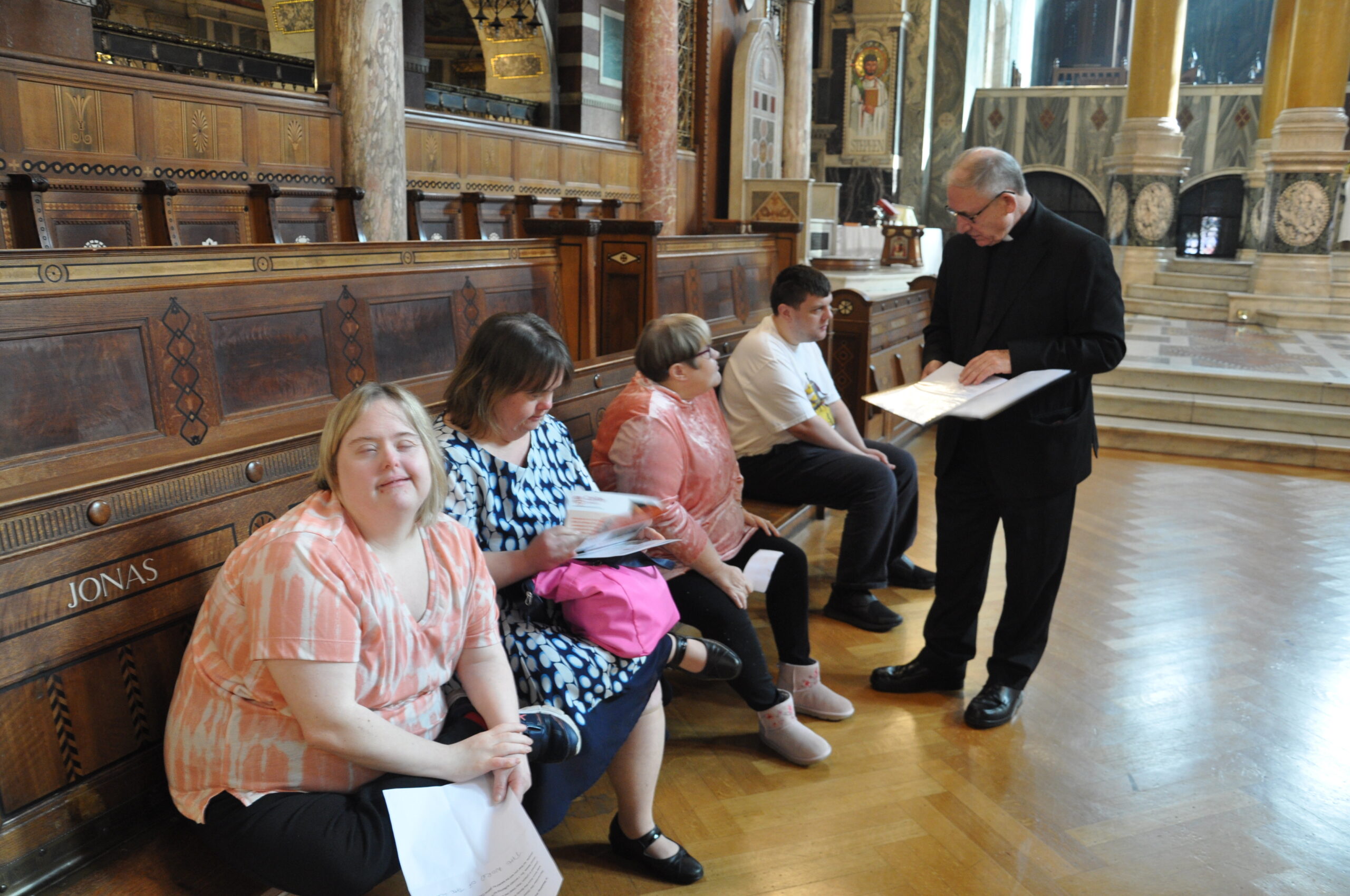
Caritas St Joseph’s celebrates 45 years
Caritas St Joseph’s has celebrated its 45th anniversary at a celebration Mass at Westminster Cathedral…
Upcoming Events
Contact Details
020 8202 3999
020 8202 1418 (Fax)
St Joseph’s Pastoral Centre
St Joseph’s Grove,
The Burroughs, Hendon,
London NW4 4TY
Contact Us